Chapter 3 · 3.6
Messages in DirectAdmin
DirectAdmin has its own message box. DirectAdmin uses it to show notices about your package, for example that a backup is ready or that you're close to a limit.
Opening your messages
There are three ways to reach your messages:
- at the top right, click Hallo, followed by your username, and then Message Area;
- on the dashboard, in the Message Area block, click the VERDER KIJKEN button;
- in the menu, go to Support & Help > Message Area.

What messages might you receive?
| Message | What does it mean? |
|---|---|
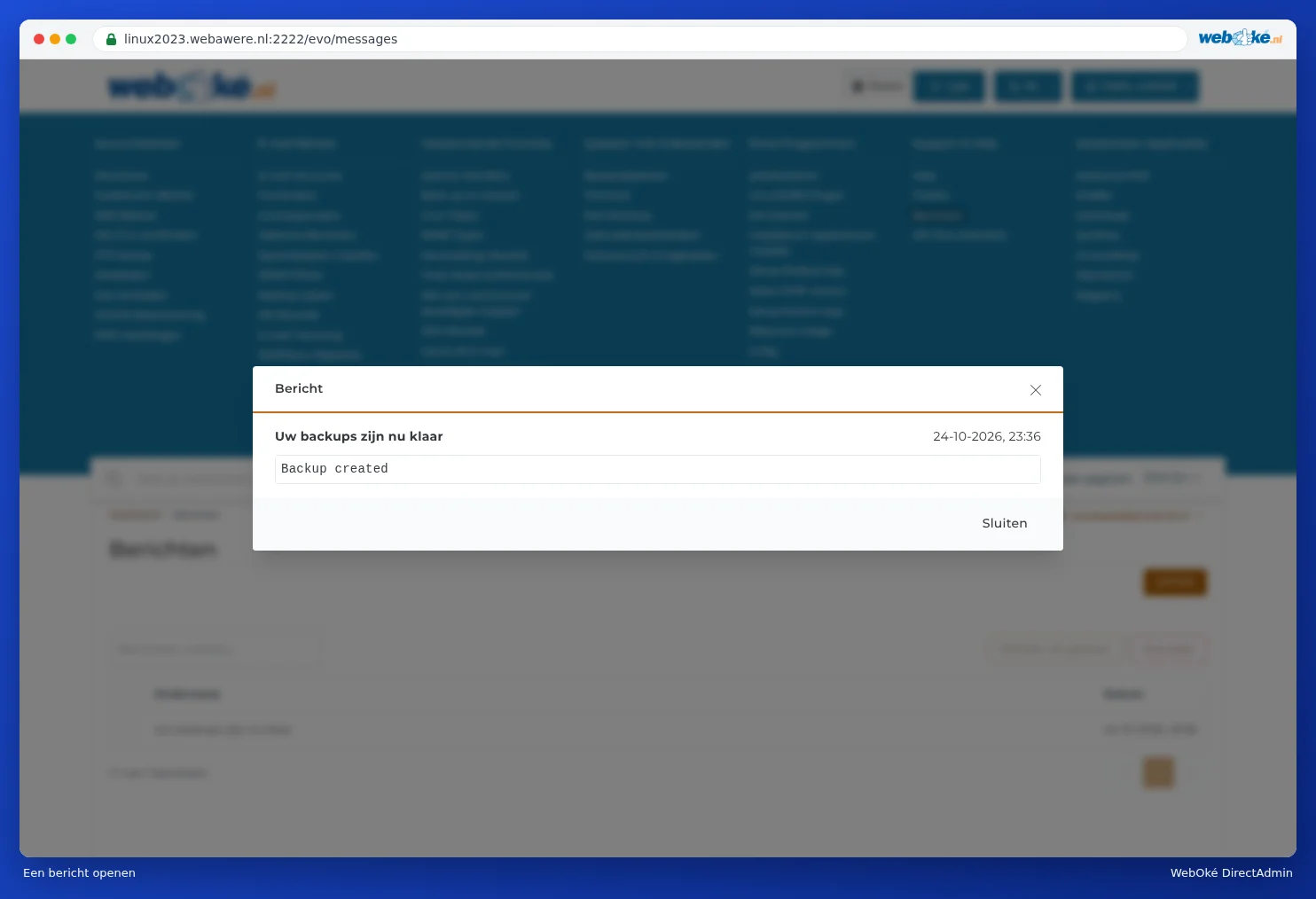
| Uw backups zijn nu klaar | A backup you created yourself under Backup and Restore is ready (see Backup and Restore: creating your own backup in DirectAdmin). |
| A warning about your limits | You're at 95% of your disk space or inodes, or at 80% of your bandwidth. This only appears if Limit Notice is switched to On in your profile (see Your profile and contact details). Free up space or upgrade (see Storage full: where's the space going?). |
| A notice about a failed login | This only appears if you have Two-Step Authentication switched on and the notice is enabled in your profile (see Your profile and contact details). |
Click the subject to read a message.
Cleaning up your messages
- Tick the messages on the left.
- Click OPTIES (1).
- Choose Mark as read or Delete.
Do I also get messages by e-mail?
DirectAdmin uses the Contact E-mail Address from your profile to contact you. So check that this address is correct (see Your profile and contact details). It's also worth checking your messages yourself now and then.
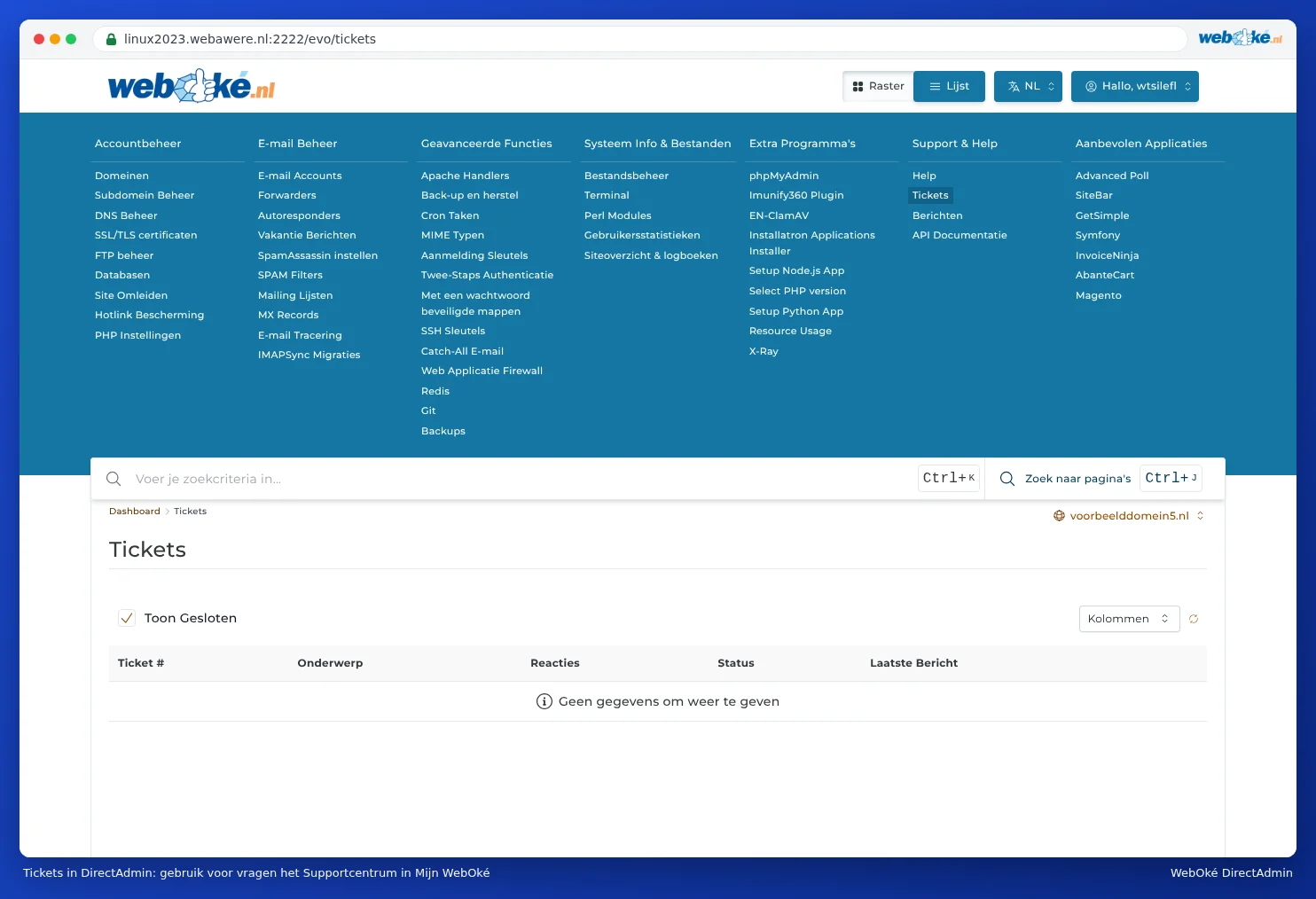
Tickets in DirectAdmin
Under Support & Help you'll also find Tickets. This is DirectAdmin's own ticket system. WebOké doesn't use it: ask your questions in My WebOké, via Support centre and Submit a ticket, or ask our AI assistant. That way, your question reaches our support team directly, and you'll see the reply under My tickets.